Official Website
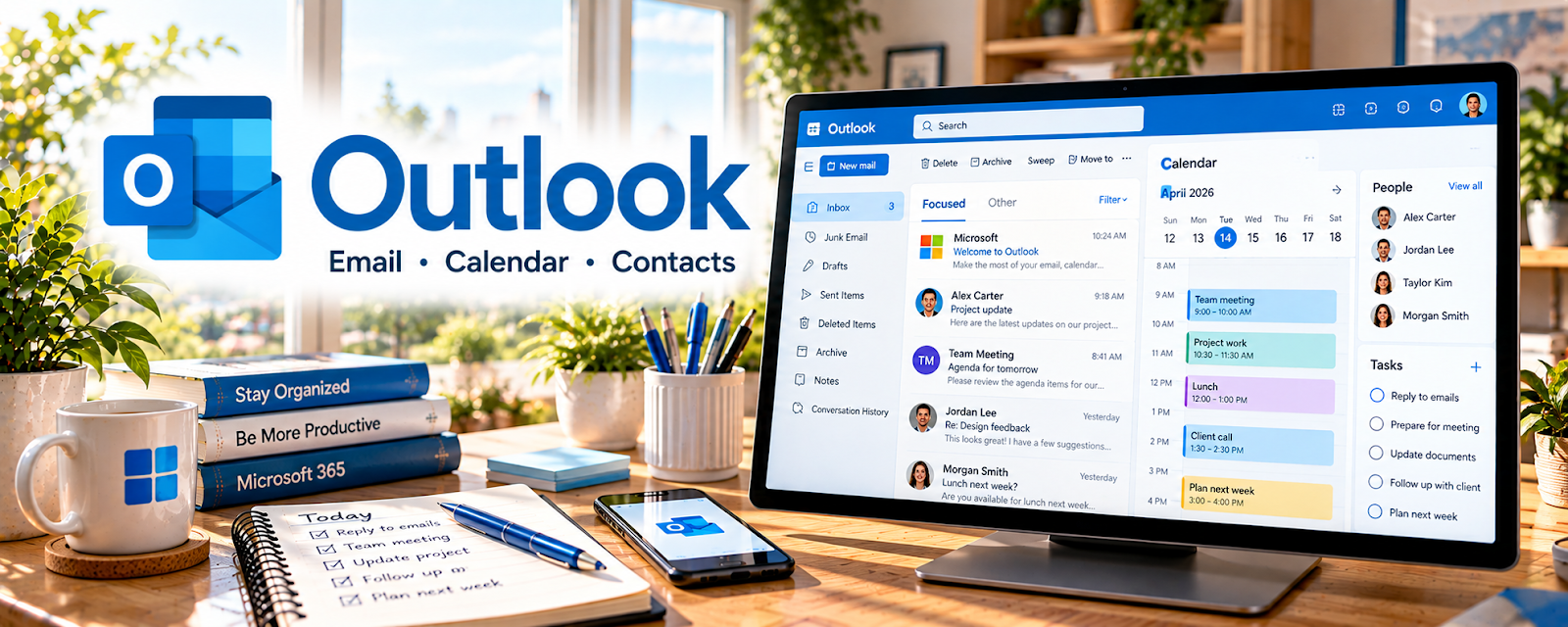
Outlook is an email and calendar tool used to manage communication, scheduling, and tasks.
🔗 Visit Official Website — Outlook
Domain: outlook.live.com
What This Website Is
Outlook is an email and calendar tool used to manage communication, scheduling, and tasks.
How to Apply It
Use Outlook as your “VA communication + scheduling system”: inbox rules → calendar blocks → templates.
Step-by-Step Implementation:
- Create folders and rules for priority clients.
- Create email templates for common responses.
- Use calendar categories for different client work.
When to Use This
- Clients use Microsoft ecosystem
- You manage multiple inboxes/calendars
- You need scheduling and email workflows
Best Tasks to Use It For
- Email management
- Scheduling
- Template replies
Getting Started Steps
- Set up folders + rules.
- Create 5 template responses.
- Time-block your week on the calendar.
Good Beginner Search Terms
- Outlook rules for virtual assistants
- email template workflows Outlook
- calendar categories best practices
Monetization Angle
Better communication systems reduce admin time and support more clients.
Pros
- Common in corporate clients
- Strong calendaring tools
Cons
- Can be complex to configure
- Some features differ by plan
Who Should Use This
Virtual assistants supporting clients who use Microsoft tools.
Who Should Skip This
VAs who only support clients on Google Workspace and don’t need Outlook.
Practical Applications
- Organize authorized client correspondence and follow-up tasks.
- Check recipients, attachments, calendar details, and time zones before sending.
- Use an approved handoff and access-removal process when an engagement ends.
Important Considerations
- Verify current account, delegation, security, retention, and employer requirements; the personal website is not proof of a suitable business setup.
- Do not share credentials or expose client data, and distinguish suggestions from approval before sending or changing records.
Related Resources
Gmail — Provides a Google-based inbox comparison when clients do not use Microsoft tools.
Calendly — Connects scheduling links to Outlook calendar availability and client appointments.
Canva / Canva Mockups — Creates client-facing documents and graphics that can be shared through Outlook.
Related Side Hustles
 Virtual Assistance — Outlook supports inbox management, calendar coordination, template replies, and client communication.
 Social Media Management — Social media clients also require approvals, calendar coordination, and email follow-ups.