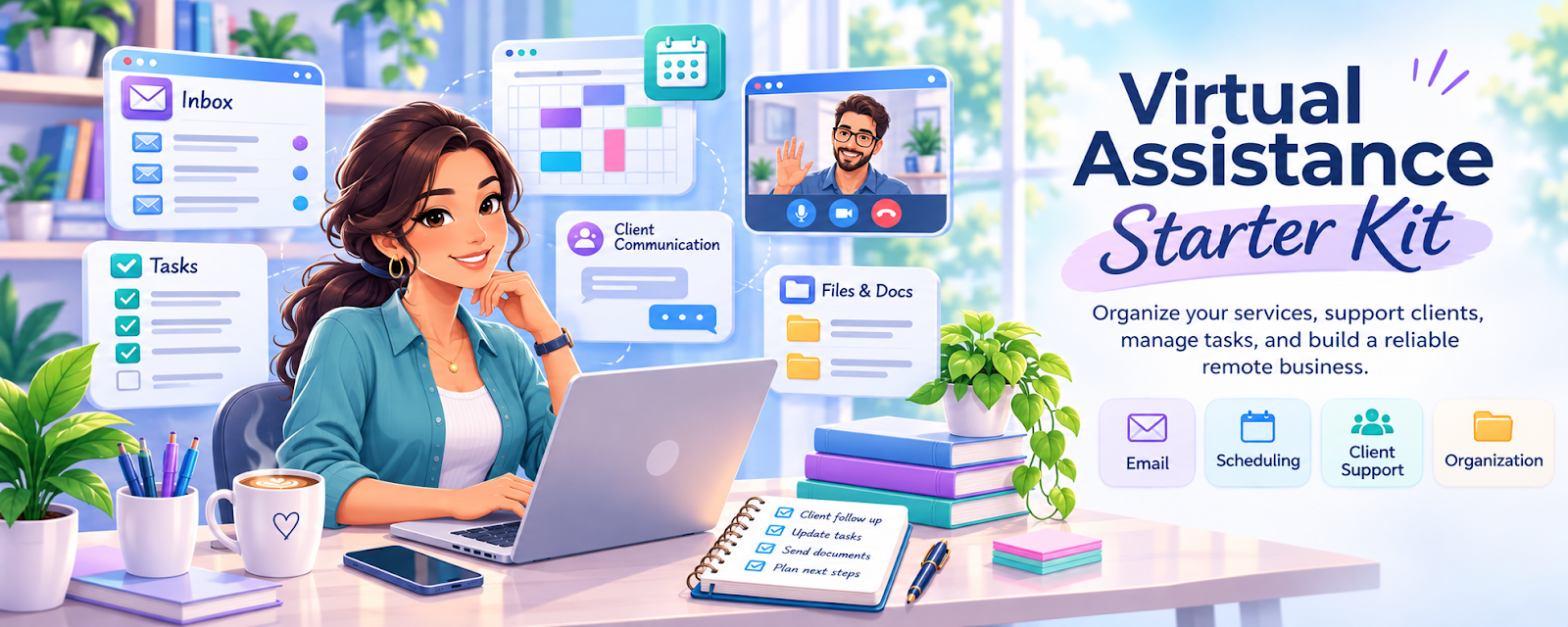
Virtual Assistance Starter Kit
Plan services, prepare client workflows, and organize your virtual assistant business.
12 practical components • Self-contained digital package • Free updates and fixes • $15 USD
Virtual assistance combines different client needs, schedules, proposals, and administrative tasks. A clear service menu and reliable process can help you work more confidently.
Go beyond ideas. Create a process you can actually follow.
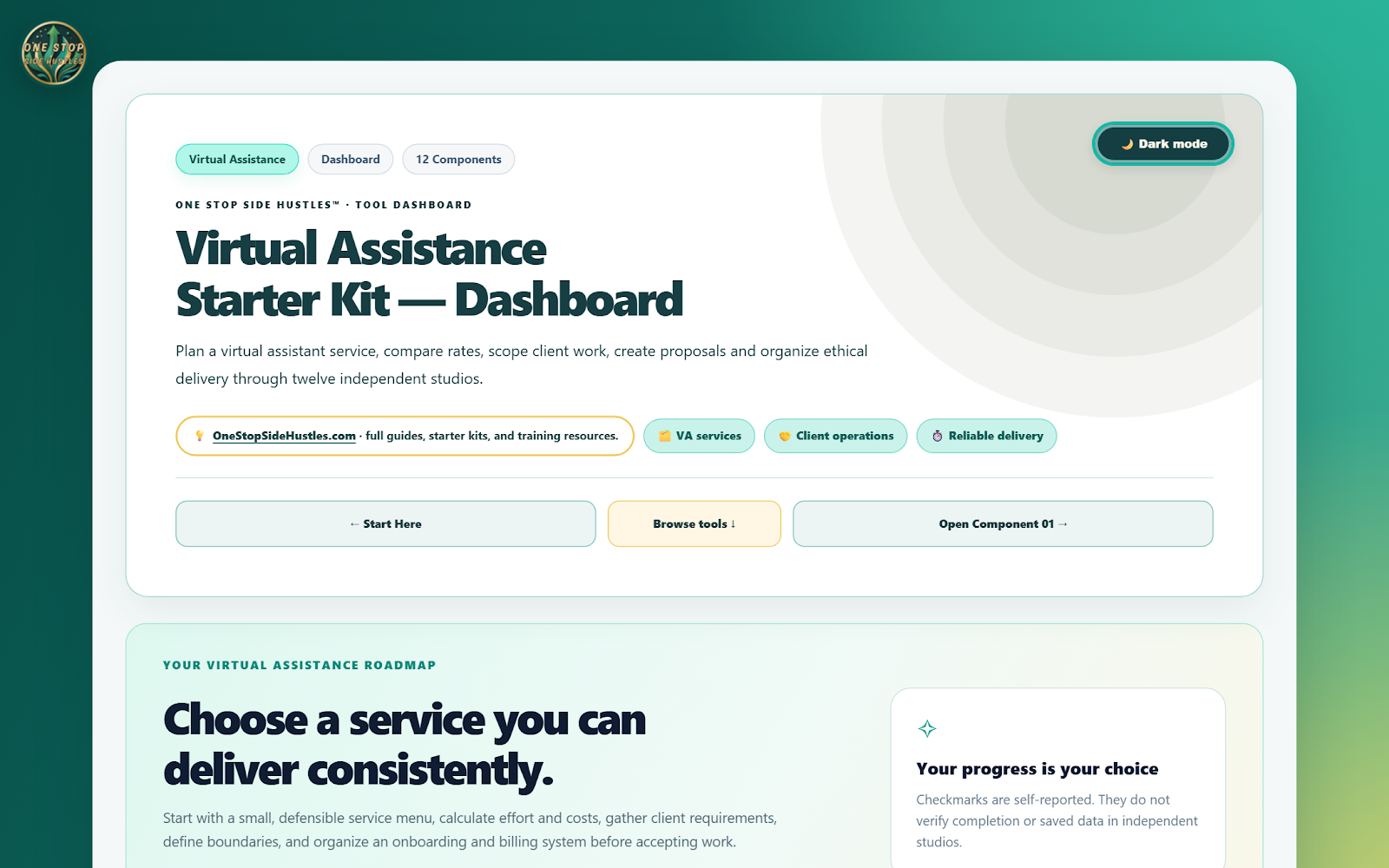
The One Stop Side Hustles™ Virtual Assistance Starter Kit brings related checklists, tools, planners, and templates together in one organized working collection. Use it to clarify your goals, plan the steps, and keep important details in one place.
What you can accomplish
- Define services and plan rates and retainers
- Prepare onboarding, agreements, proposals, and portfolio materials
- Track time, billing, and client-related tasks
Explore all 12 tools and resources
🌱 Define and prepare your services
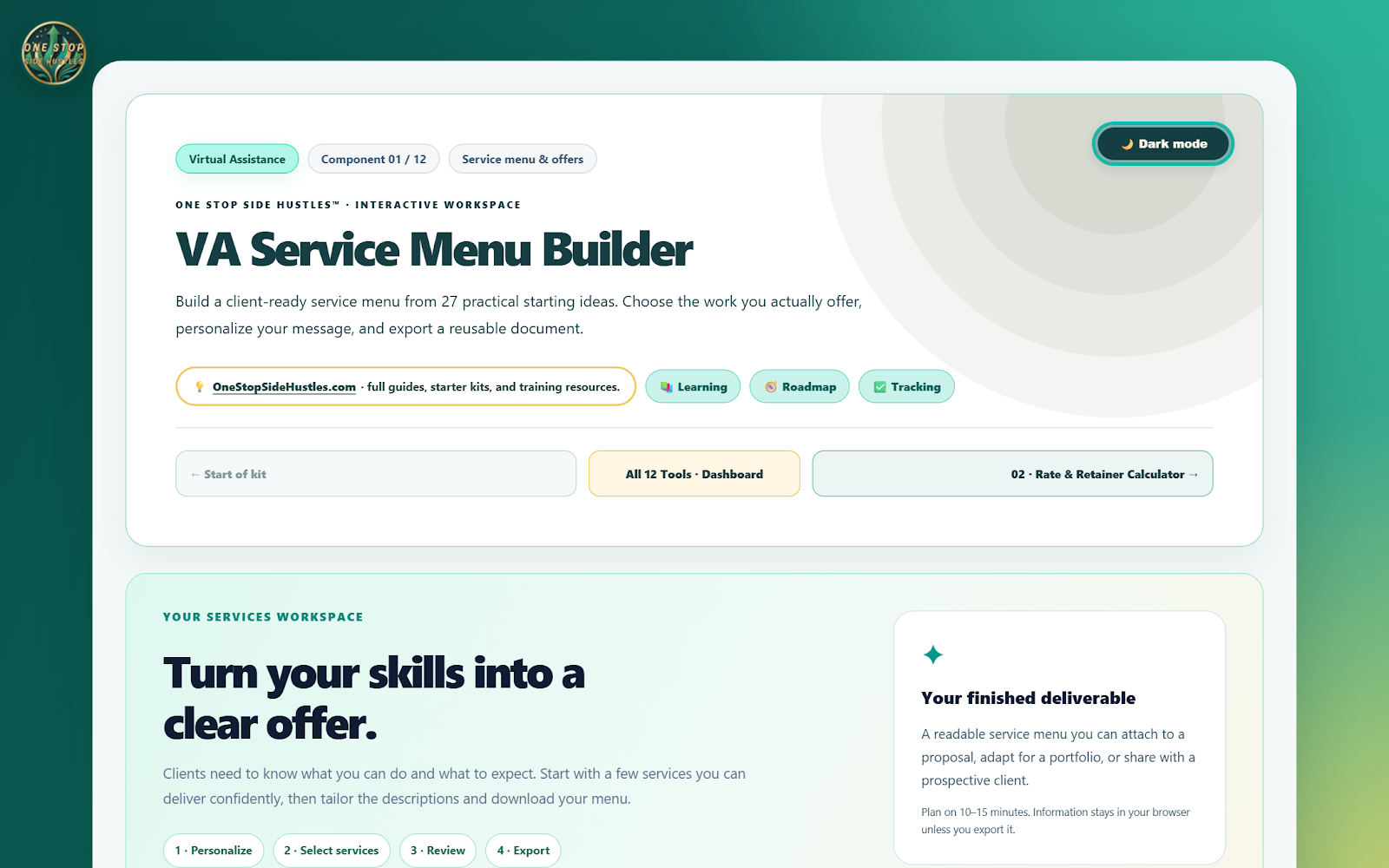
- VA Service Menu Builder — Turn your skills into clearly described services so potential clients can understand the support you offer.
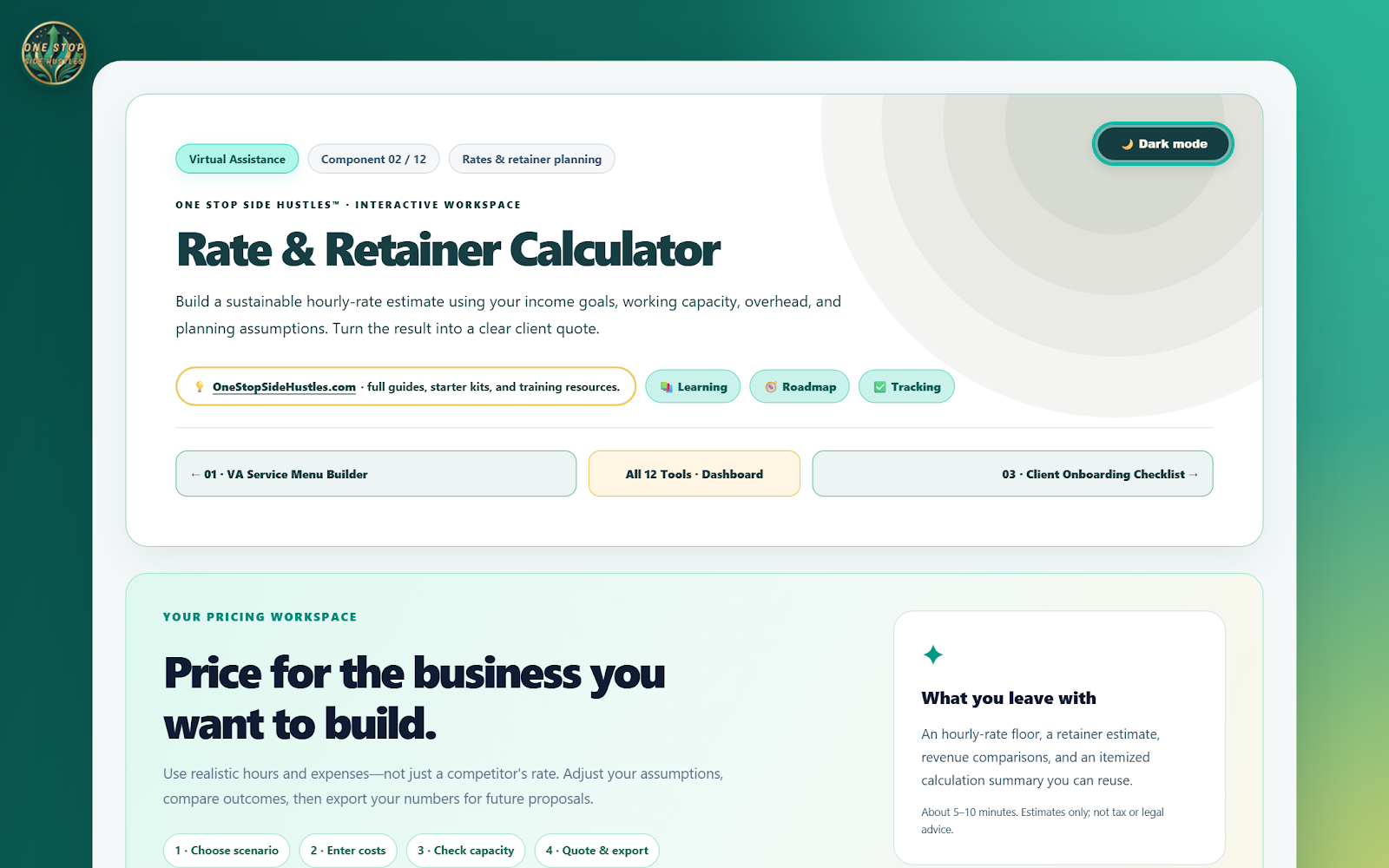
- Rate & Retainer Calculator — Estimate hourly and recurring package prices using your workload, costs, and rate assumptions.
- VA Tools Checklist — Identify the software and working tools your chosen services may require before committing to outside subscriptions.
- 90-Day VA Action Plan — Break business preparation, outreach, and workflow development into manageable steps over your first three months.
✍️ Present your offer and onboard clients
- VA Portfolio Builder — Organize relevant work samples and service information to demonstrate how you can support a client.
- Client Discovery Questionnaire — Gather a prospective client’s goals, administrative needs, and expectations before proposing work.
- Client Proposal Builder — Prepare a tailored outline of services, deliverables, timelines, and pricing for client review.
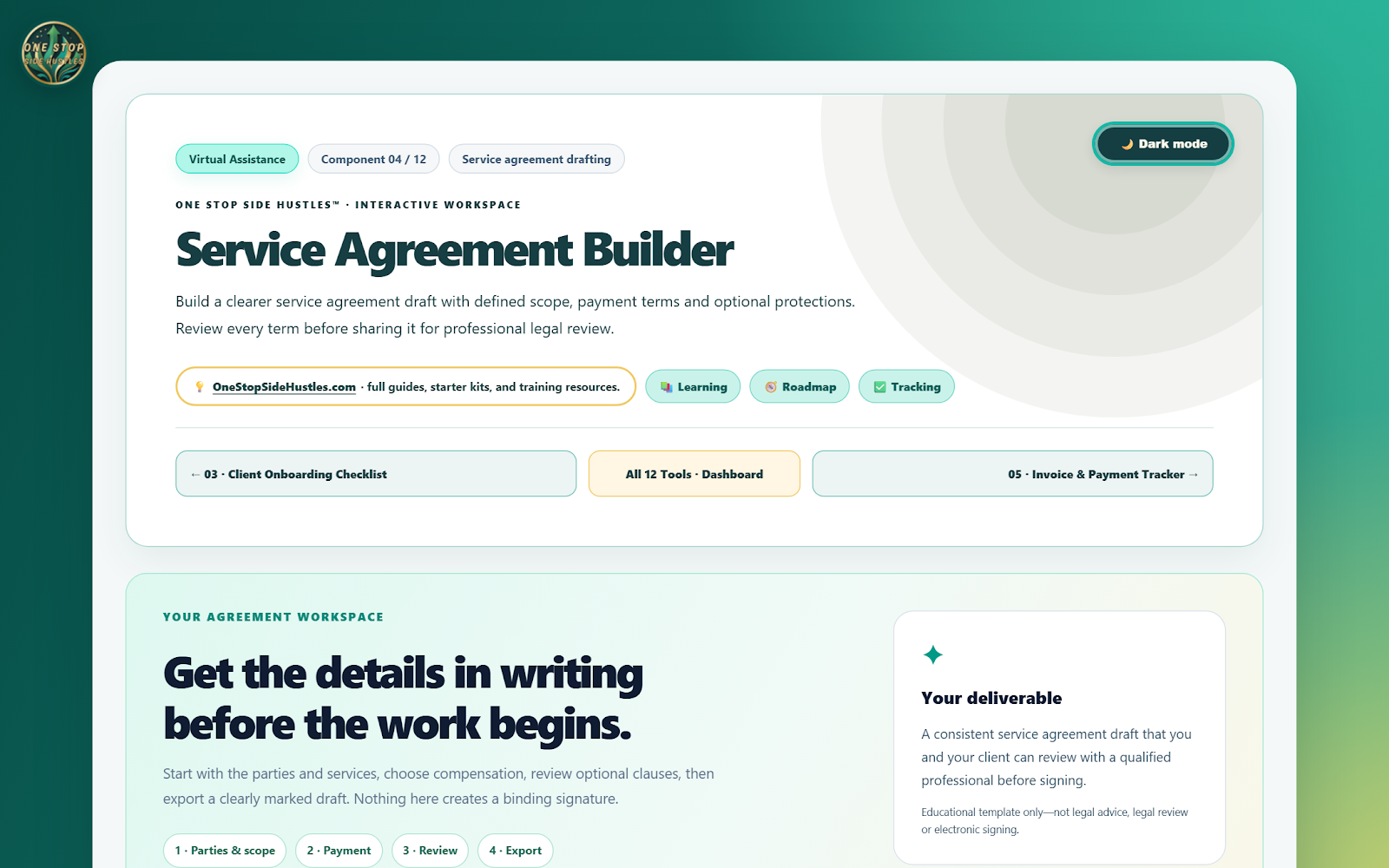
- Service Agreement Builder — Draft scope, responsibilities, and payment terms for appropriate review before starting an engagement.
📈 Organize delivery and records
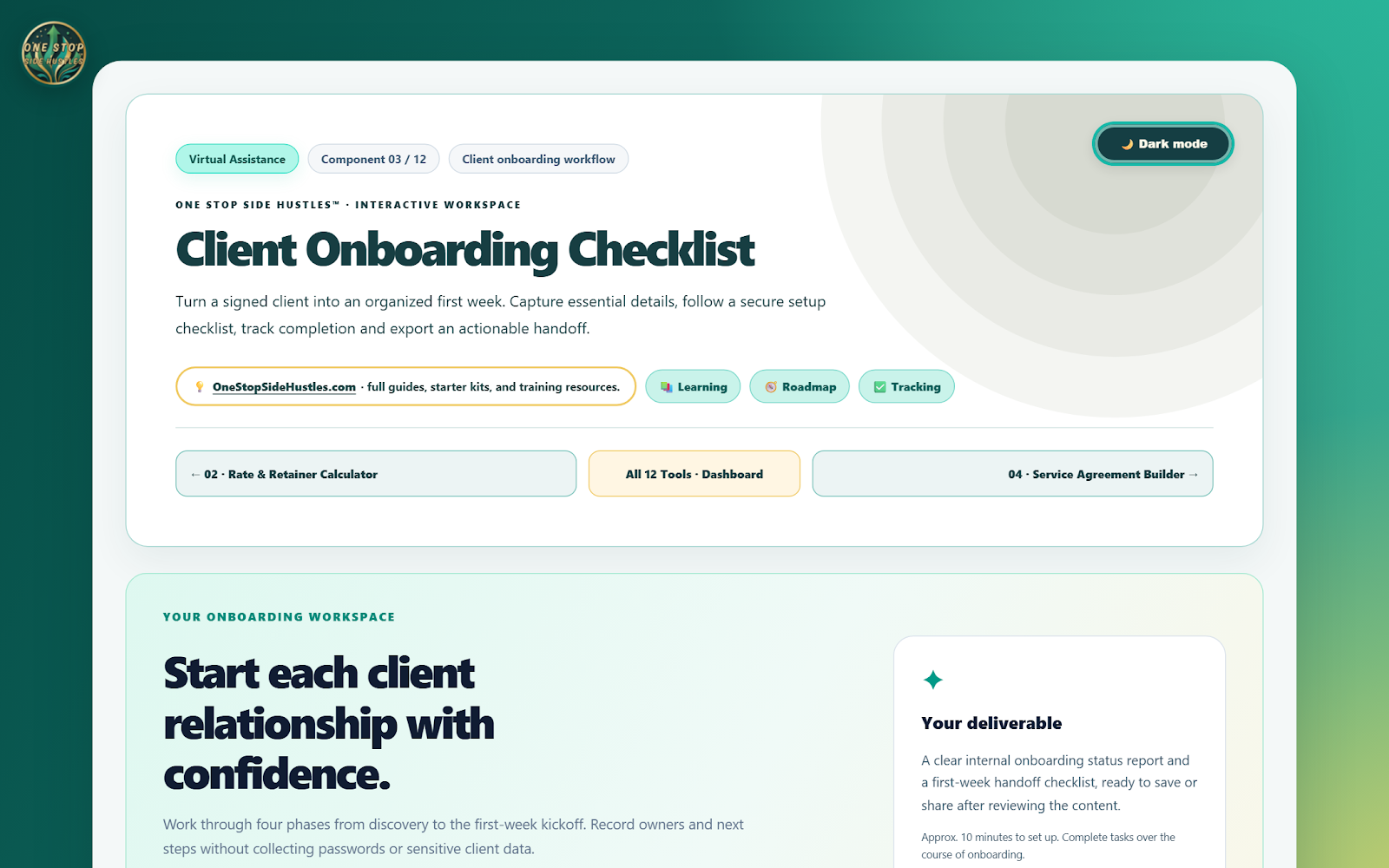
- Client Onboarding Checklist — Confirm contacts, priorities, working arrangements, and secure access procedures before handling client tasks.
- Social Content Planner — Organize topics and planned publishing dates for your own promotion or agreed client content work.
- Time & Billing Tracker — Record time spent on client tasks and organize the details needed to review billable work.
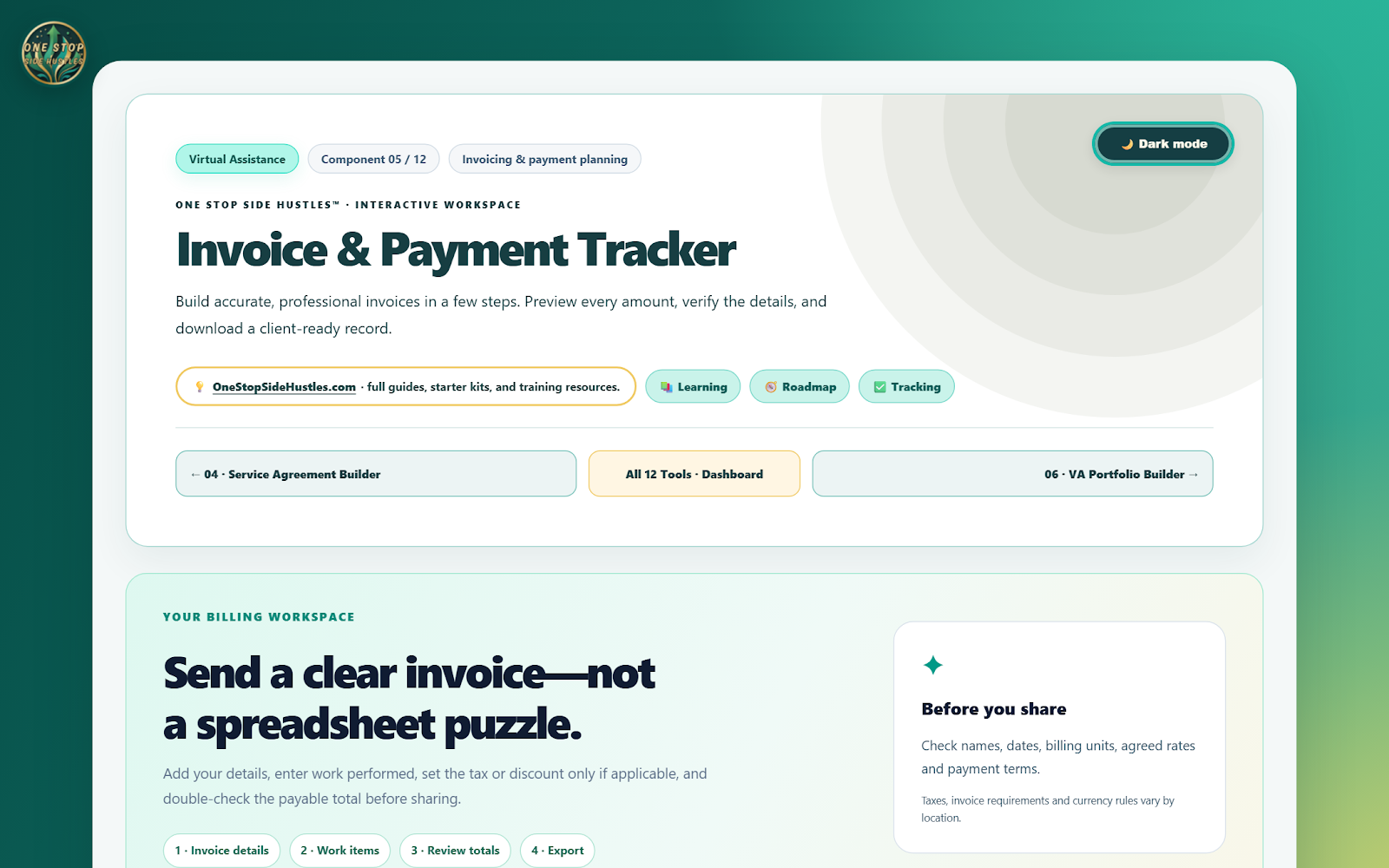
- Invoice & Payment Tracker — Keep manual records of invoices, due dates, and payment status; it does not send invoices or process payments.
See inside the Virtual Assistance Starter Kit
Real previews of the included toolkit
These screenshots were captured from the actual browser-based files in the Virtual Assistance Starter Kit—not AI-generated mockups. Select an image to view it larger. The examples show workspaces as captured; your service offerings, rate assumptions, onboarding details, agreement terms, and invoice records will reflect your own entries and reviews. The kit does not provide clients, send invoices, process payments, or sync external services.
One purchase. One downloadable kit.
Organized components and supporting local assets are designed to be delivered together as one ZIP package, with a Start Here file or dashboard for navigation. Extract the whole folder before opening the tools.
There is no recurring subscription for the kit. Third-party services that the tools discuss or help you plan for are separate from the download.
Your starting workflow
- Define your services and ideal client.
- Set up intake, proposals, pricing, and project records.
- Follow a practical 90-day action plan and review your workflow.
You can work through the materials at your own pace and focus on the pieces that matter to your next task.
Who this kit is for
Beginners exploring virtual assistant work, administrative freelancers, and independent service providers. It is suited to self-directed people who prefer a structured toolkit over scattered notes, and who are ready to do the hands-on research and work themselves.
How it works
Once the Gumroad listing is published, you'll receive a downloadable ZIP file. Extract the full package and use the included Start Here page or dashboard in a modern desktop browser. Where components support local saving or exporting, keep backups on your own device.
No hosting, cloud syncing, connected service, or monthly membership is provided. The included files are intended for local use; browser-specific storage and file-handling behavior can vary.
Free updates and fixes
When an improvement, update, or bug fix is released for this Starter Kit, it is included for purchasers at no additional cost. Updates are delivered through the seller's customer-delivery process, not through an always-connected application.
Frequently asked questions
Give your next steps a practical home
Virtual Assistance Starter Kit
$15 USD • One-time purchase • Free updates and fixes
12 purpose-built components to help you plan, organize, and act with greater confidence.
Sold via Gumroad. The checkout link will be added after the complete customer ZIP is verified and the listing is live.
More practical guides and kits: Explore Starter Kits.
Educational, self-directed resources. No particular income, approval, customer, or business outcome is promised. © 2026 One Stop Side Hustles™.