Official Website
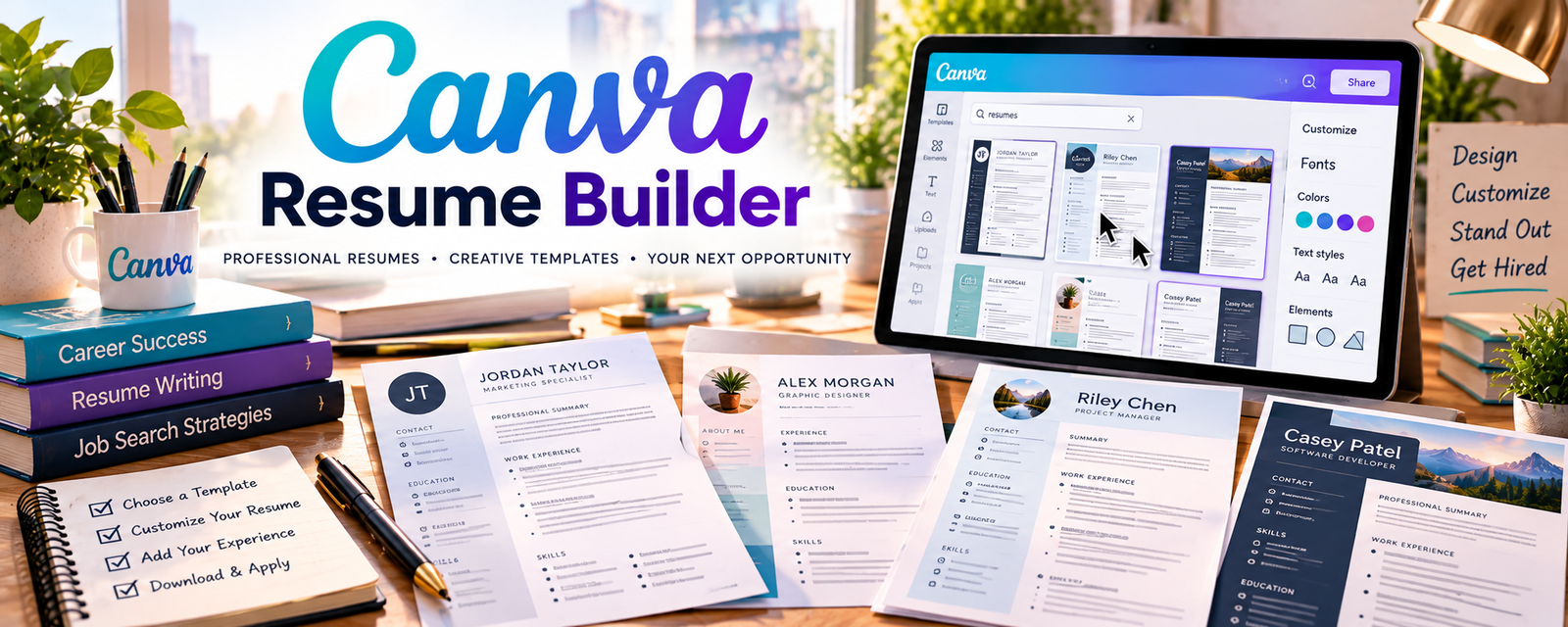
Canva Resume Builder is a resume design tool with templates you can customize quickly.
🔗 Visit Official Website — Canva Resume Builder
Domain: www.canva.com
What This Website Is
Canva Resume Builder is a resume design tool with templates you can customize quickly. For the 🎧 Remote Customer Service Jobs side hustle, it helps you create a clean, professional resume tailored to call center/support roles.
How to Apply It to 🎧 Remote Customer Service Jobs
Use Canva Resume Builder as a practical work tool for faster applications: resume template → role-specific edits → export → repeat.
Step-by-Step Implementation:
- Phase 1: Pick a clean resume template that’s easy to scan.
- Phase 2: Build a “base resume” focused on customer support skills.
- Phase 3: Tailor keywords per job posting and export a role-specific PDF.
Common Use Cases for this Side Hustle:
- Scenario A: Applying to high-volume job boards with many postings.
- Scenario B: Switching between chat support vs phone support roles.
- Scenario C: Refreshing an outdated resume quickly.
When to Use This
- You need a resume fast.
- You want a clean visual layout.
- You’re applying to many roles and need versions.
- You want simple templates with quick edits.
Best Tasks to Use It For
- Building a base resume
- Creating job-specific resume versions
- Formatting work history and skills clearly
- Exporting clean PDFs
- Creating simple cover letter layouts
Getting Started Steps
- Choose a simple resume template in Canva.
- Add your work history and measurable support outcomes.
- Add a skills section (tools, communication, ticketing).
- Create a “base” version and duplicate it.
- Customize keywords for each job posting.
- Export as PDF and name files consistently.
- Track applications and iterate based on responses.
Good Beginner Search Terms
- customer service resume keywords
- remote support resume examples
- ATS friendly resume format
- call center resume achievements examples
- chat support resume skills
- how to tailor resume to job posting
Monetization Angle
A stronger resume increases interview rate. More interviews = faster job placement and more income.
Pros
- Fast templates
- Easy to customize and duplicate versions
- Clean PDF exports
Cons
- Some templates may not be ATS-optimized
- Can over-focus on design vs content
- Pro templates may require payment
Who Should Use This
People applying to remote customer support roles who want a fast, professional resume with minimal design work.
Who Should Skip This
Skip this if you already have a strong ATS-optimized resume and don’t want to change formatting.
Practical Applications
- Create a simple resume emphasizing verified customer-support experience.
- Tailor wording to a genuine role’s requirements without inventing achievements.
- Export a sample and check readability, text order, and application compatibility.
Important Considerations
- Some decorative templates can reduce readability or parse poorly; follow the employer’s requested format.
- Review template rights and current features, protect personal information, and do not assume a designed resume guarantees screening success.
Related Resources
FlexJobs — Lists screened remote jobs, including customer service and support roles.
Indeed Remote Customer Service — Provides a broad job board for remote support applications.
LinkedIn Jobs — Helps find support roles and align resume keywords to job postings.
Related Side Hustles
 Virtual Assistance — Remote support skills overlap with client communication, admin, and responsiveness.
 Social Media Management — Both require professional written communication and handling public/customer interactions.